 Travel Form Saver
Save time
Reuse saved information without typing it all again.
The extension saves your work as you complete a form and helps recover it after a crash. The full version fills supported fields from a saved file.
Independent assistant, not affiliated with any government. Does not submit applications or guarantee a visa.
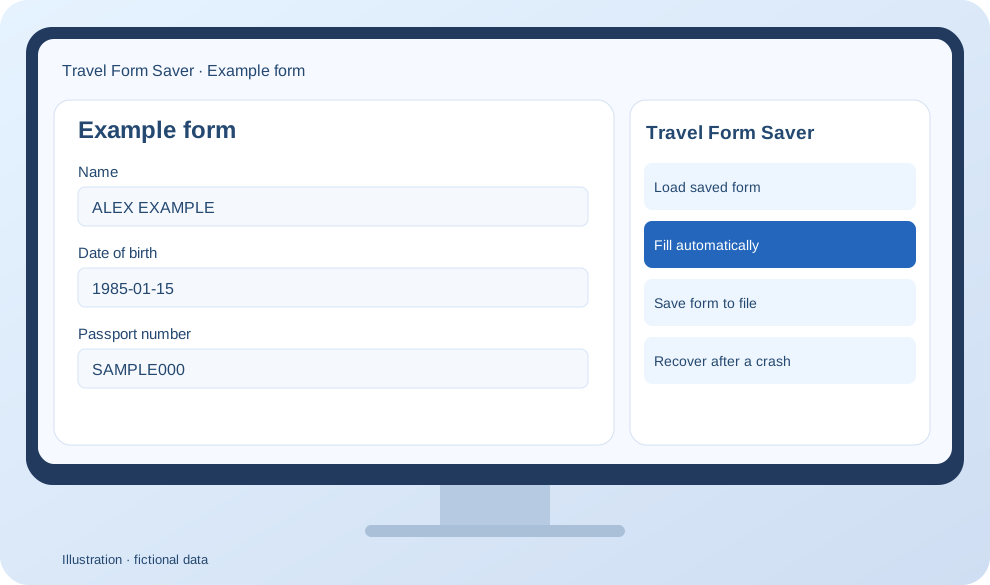
Reuse saved information without typing it all again.
Recover a saved draft after the page closes or your session expires.
Drafts stay in your browser and exported files stay on your device.
One extension for supported visa applications and arrival forms.
Start free. Pay for saving, loading and filling forms from files.
Protection while you type
One-time purchase, no subscription
Documents supported in version 0.14.1. Check every field on the official website before submitting.





Install the extension and open a supported official website.
Your draft is saved automatically while you work. The full version can export a separate file.
Load the file, fill supported fields and check that the information is current.
No. Draft saving and crash recovery are free. Exporting, loading and filling from files require the full version.
Drafts are stored locally in Chrome and exported files on your device. The official website processes the information entered there under its own rules.
Up to 7 days after the last edit; expired records are removed on the next access. Loaded files are kept separately. Removing the extension or its browser data removes local records.
Yes. The full version lets you save separate files for different people and reuse them.
The full version costs $10 once and has a perpetual license, with no subscription or recurring fees.
No. Check every field, add the required documents and submit the application yourself on the official website.